
Black Bars
Cinema letterbox and pillarbox mattes, made at your sequence's exact size. Pick a ratio, see it on your own footage, and drop it on the timeline in one click.
Premiere Pro · macOS and Windows · Free · v1.0.0
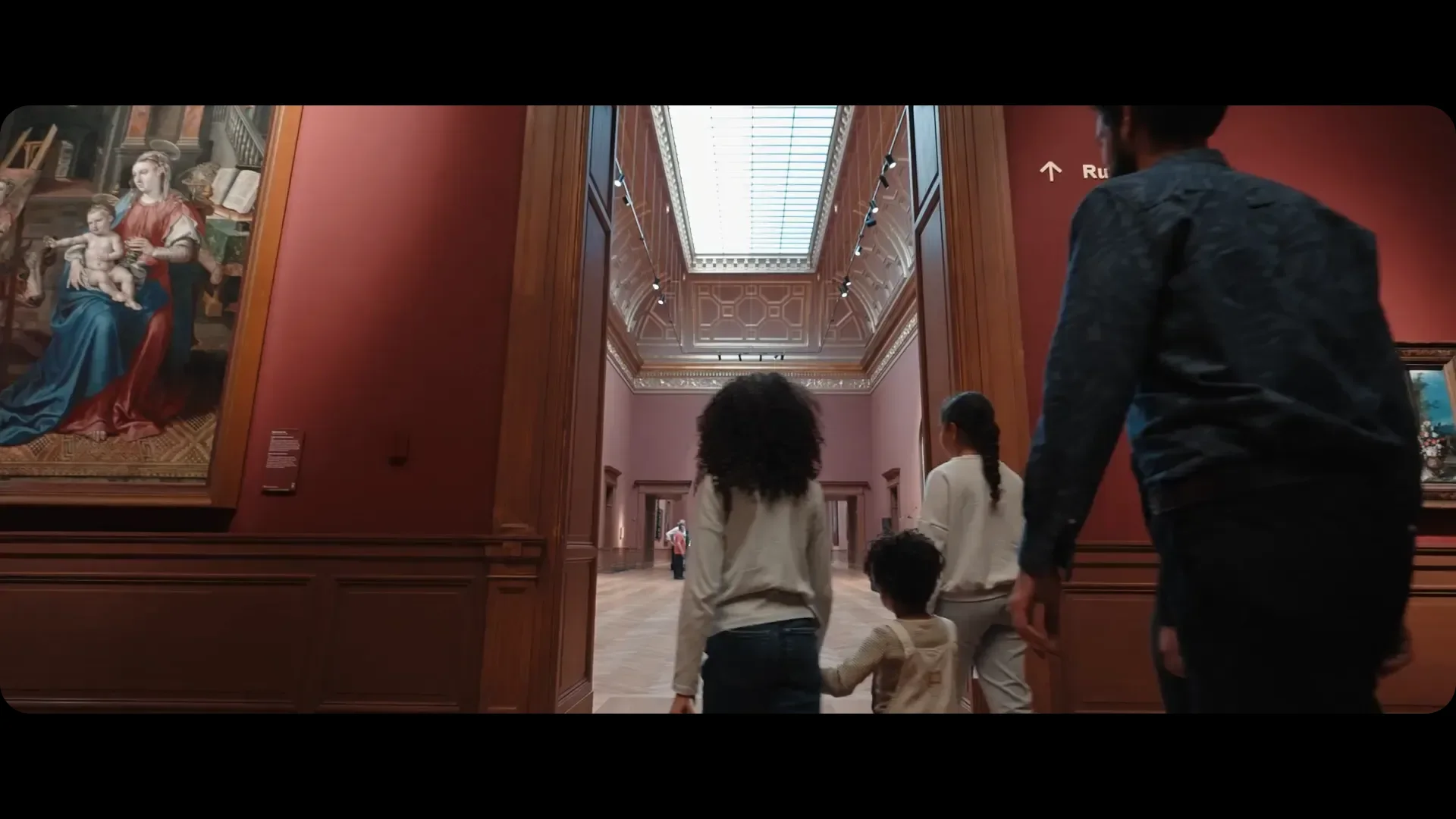
How it works
Open your sequence
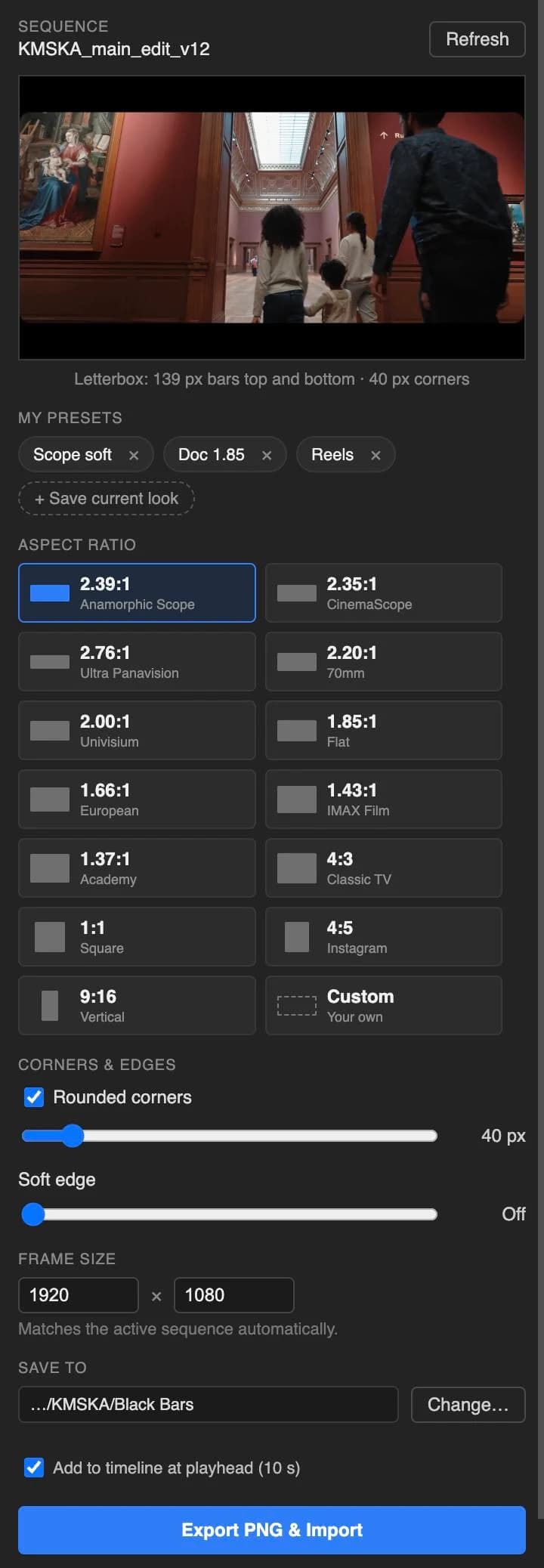
The panel reads its frame size and shows the frame under your playhead.
Pick a ratio
2.39:1, 1.85:1, 4:3, 9:16 and nine more, or type your own like 2.1 or 21:9.
Shape the window
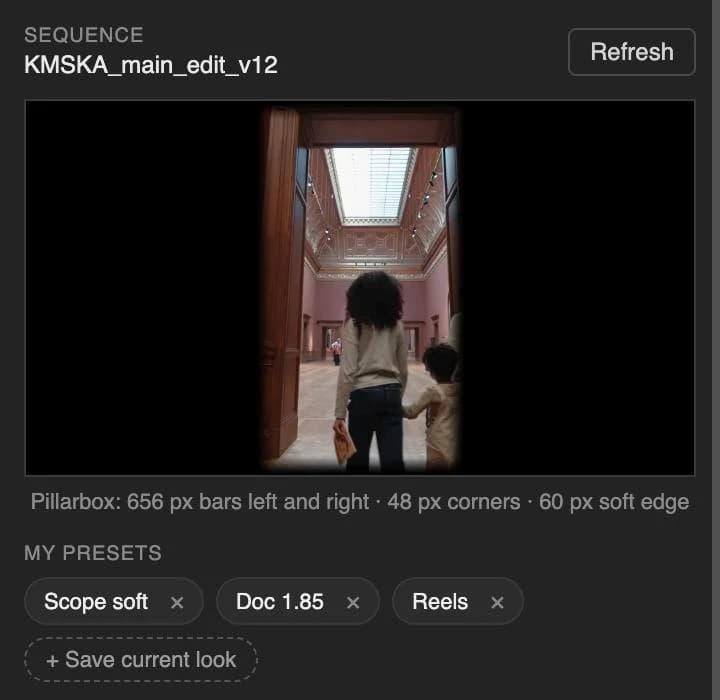
Round the corners, or let a soft edge fade the black into the picture.
Export & import
One click saves a transparent PNG, imports it into a Black Bars bin and lays it on the top track at your playhead.
What you get
- Razor sharpBars are whole, even pixel sizes, so they never blur at the edges.
- Letterbox or pillarboxWider than your sequence gives bars top and bottom. Narrower gives bars left and right.
- Vertical, square, anything9:16 and 4:5 give pillarbox bars for social cut-downs. Save a look once and it's one click next time.
- Nothing gets overwrittenPNGs land in a Black Bars folder next to your project file.
- Follows your sequenceYour sequence size changes? The panel follows it. You can also type any frame size.
- Updates come to youThe panel tells you when a new version is out, and so does your inbox.
Download
Needs Premiere Pro 25.6 or later. DaVinci Resolve version in the works: download now and you'll get an email when it's out.
Install
- Double-click the downloaded .ccx file. Creative Cloud installs it.
- Restart Premiere Pro.
- Open Window → UXP Plugins → Black Bars.
Free, no catch
No trial, no watermark, no account. If Black Bars saves you time on a job, a coffee keeps the next plugin coming.
Buy me a coffee