Tools from the edit suite
Small Premiere Pro plugins I build for my own edits and share for free. Leave your email, get the download, and you'll hear from me when there's an update.
01 Premiere Pro · macOS and Windows · Free · v1.0.0
Black Bars
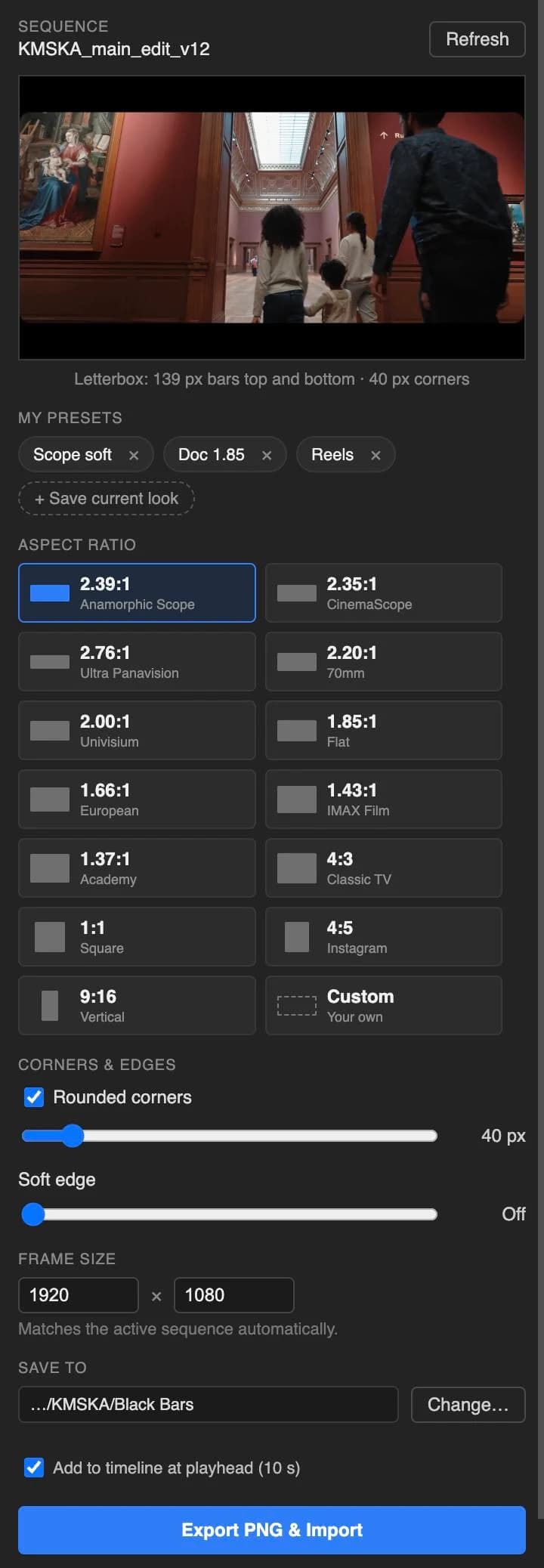
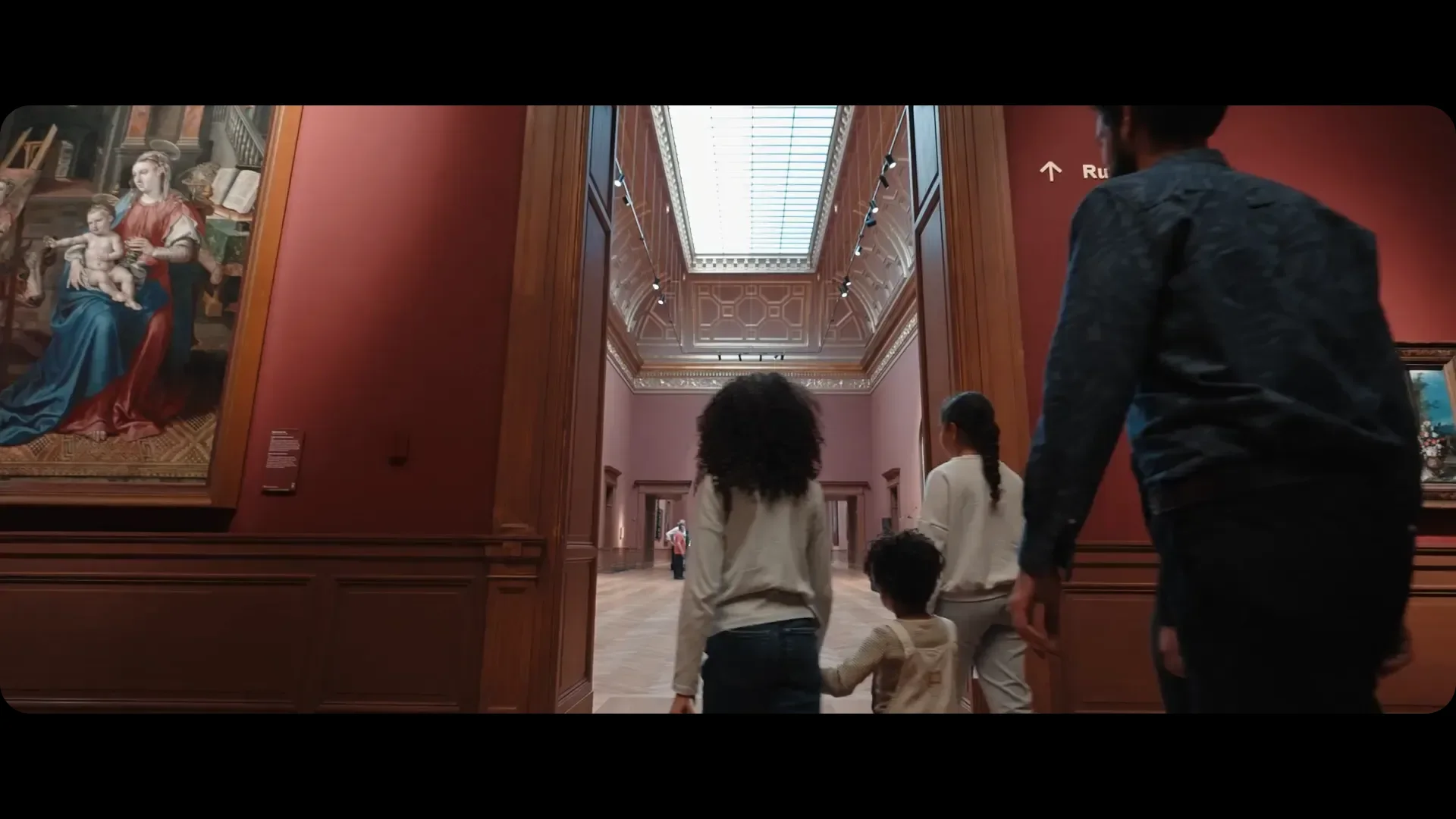
Cinema letterbox and pillarbox mattes, made at your sequence's exact size. Pick a ratio, see it on your own footage, and drop it on the timeline in one click.
Needs Premiere Pro 25.6 or later. DaVinci Resolve version in the works:download now and you'll get an email when it's out.
How it works
- 01
Open your sequence
The panel reads its frame size and shows the frame under your playhead.
- 02
Pick a ratio
2.39:1, 1.85:1, 4:3, 9:16 and nine more, or type your own like 2.1 or 21:9.
- 03
Shape the window
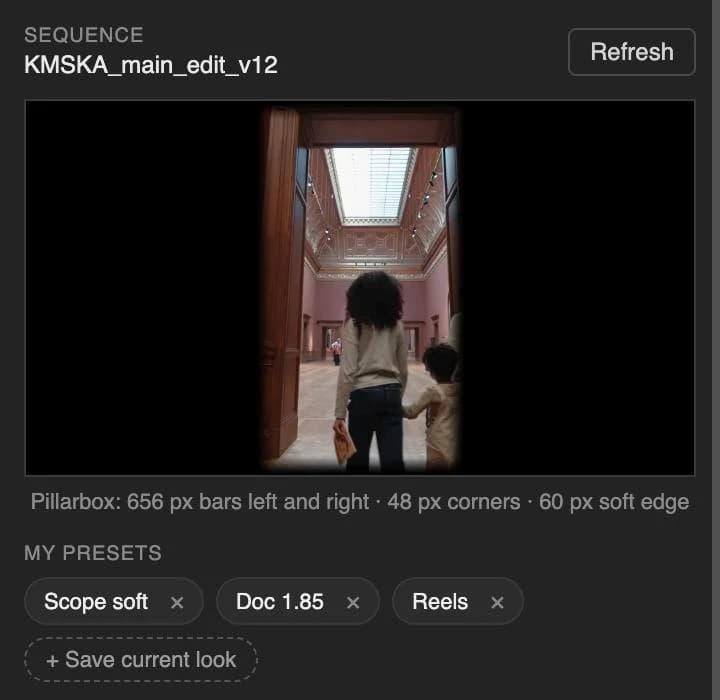
Round the corners, or let a soft edge fade the black into the picture.
- 04
Export & import
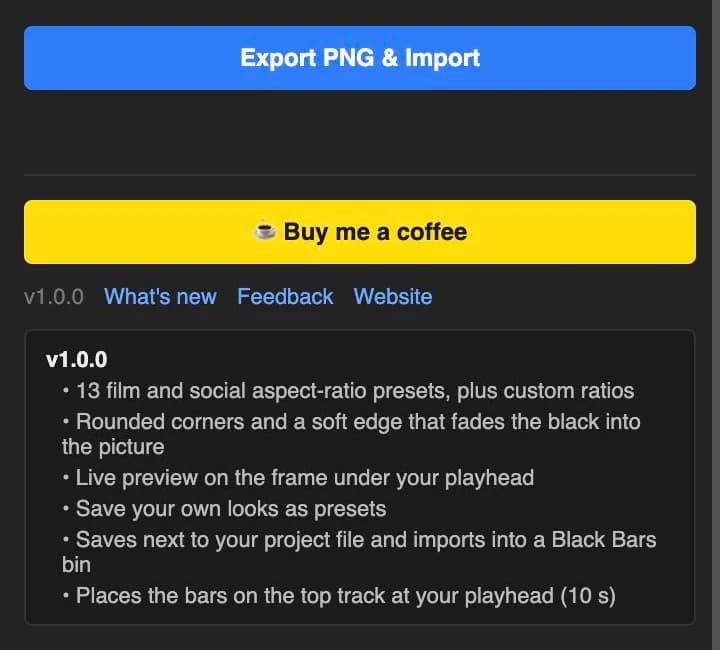
One click saves a transparent PNG, imports it into a Black Bars bin and lays it on the top track at your playhead.
Install
- Double-click the downloaded .ccx file. Creative Cloud installs it.
- Restart Premiere Pro.
- Open Window → UXP Plugins → Black Bars.
Good to know
- Bars are whole, even pixel sizes, so they stay razor sharp.
- Wider than your sequence gives bars top and bottom. Narrower gives bars left and right.
- PNGs land in a Black Bars folder next to your project file. Nothing gets overwritten.
- Your sequence size changes? The panel follows it. You can also type any frame size.
Free, no catch
No trial, no watermark, no account. If Black Bars saves you time on a job, a coffee keeps the next plugin coming.
Buy me a coffeeMore plugins
- 02v0.42.0 →
SyncMaster
Multicam audio sync · Premiere Pro · macOS · Free
- 03In the works
Black Bars for Resolve
DaVinci Resolve · Free